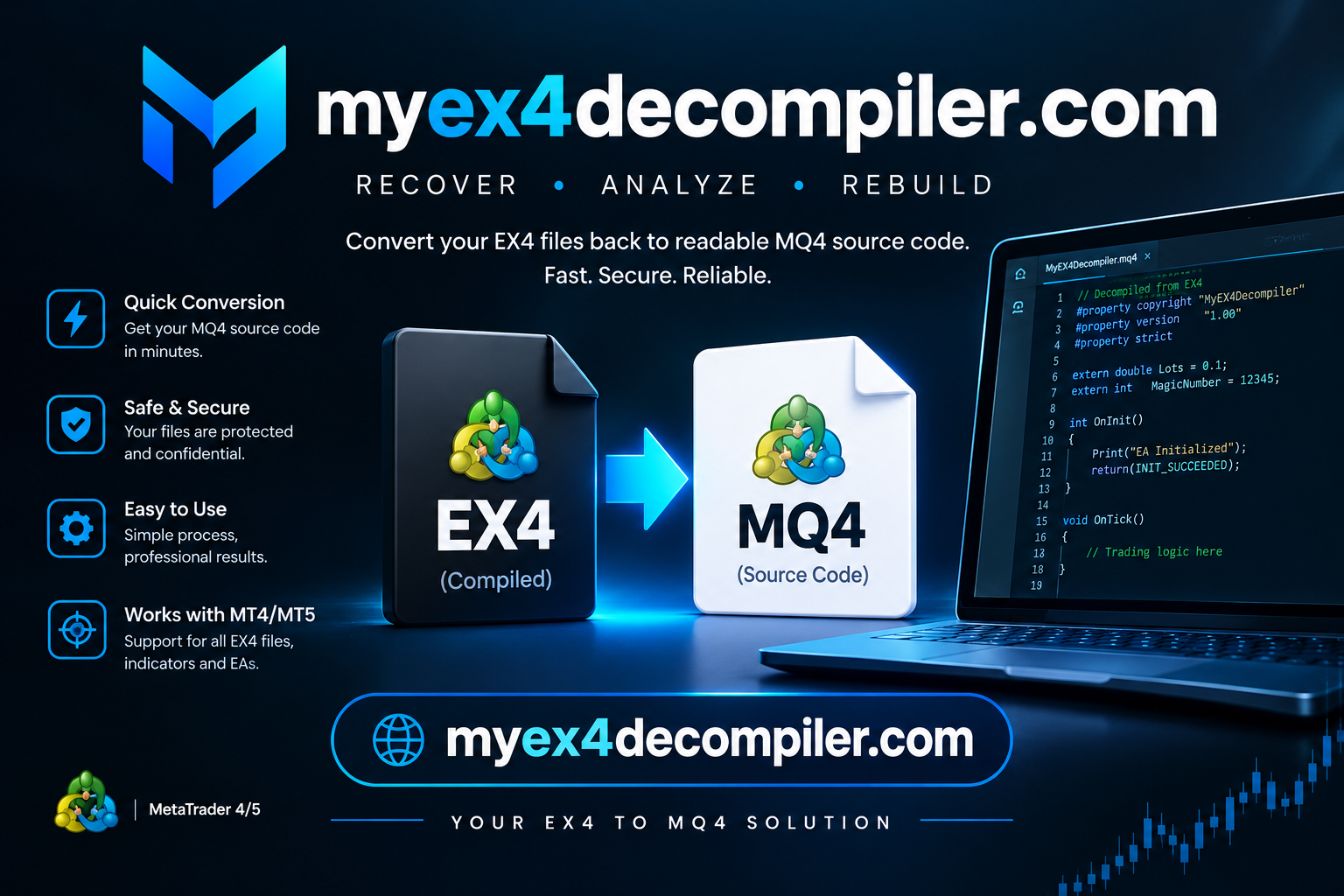


EX4 File Recovery: Professional Solutions for Encrypted, Damaged, and Inaccessible MetaTrader Files
EX4 File Recovery: Professional Solutions for Encrypted, Damaged, and Inaccessible MetaTrader Files
Introduction
MetaTrader 4 (MT4) is one of the most widely used platforms for Forex trading automation. Many traders and developers depend on Expert Advisors (EAs), custom indicators, and trading scripts saved in EX4 format to execute their trading strategies.
However, problems can occur when an EX4 file becomes damaged, inaccessible, incompatible, or dependent on missing DLL files. In some situations, encryption or file protection can also make troubleshooting more complicated.
This is where professional EX4 File Recovery services can help.
What Is EX4 File Recovery?
EX4 file recovery refers to the process of diagnosing and attempting to restore access to compiled MetaTrader 4 program files.
EX4 files contain compiled code generated from MQL4 source files. Unlike MQ4 files, which contain editable source code, EX4 files are designed to run within the MetaTrader 4 environment.
Recovery may involve:
- Diagnosing damaged or inaccessible EX4 files.
- Identifying missing DLL dependencies.
- Resolving compatibility issues.
- Investigating DLL encryption and protection-related problems.
- Restoring access using available original source files or backups.
- Testing recovered files within a compatible MetaTrader environment.
Common EX4 File Problems
1. DLL Encryption Issues
Some Expert Advisors and indicators depend on external DLL libraries. When these dependencies are encrypted, protected, missing, or incompatible, the software may fail to operate correctly.
Specialized diagnostic tools may be required to investigate the problem.
2. Corrupted EX4 Files
Unexpected system shutdowns, incomplete downloads, storage problems, or interrupted file transfers can result in damaged files.
A proper diagnosis is necessary to determine whether the file can be repaired.
3. Missing DLL Dependencies
Some EX4 programs require additional DLL files to function. If the required library is missing or inaccessible, the program may display errors or fail to initialize.
4. MetaTrader Compatibility Problems
Older compiled files may encounter compatibility issues when used with newer MetaTrader installations. Identifying the original build environment can help determine the appropriate recovery approach.
How Does the EX4 Recovery Process Work?
A professional recovery process should involve several stages:
Step 1: File Inspection
The EX4 file is examined to identify its format, condition, dependencies, and possible protection mechanisms.
Step 2: Problem Identification
The specific issue is investigated to determine whether it involves corruption, missing libraries, encryption, or compatibility.
Step 3: Recovery Assessment
Available recovery options are evaluated. If the original MQ4 source code or a backup exists, it may provide a more reliable recovery route.
Step 4: Repair and Dependency Resolution
Where technically possible, appropriate repairs or dependency corrections are performed.
Step 5: Testing and Verification
The resulting file is tested in a suitable MetaTrader environment to verify whether it loads and performs as expected.
Can an Encrypted EX4 File Be Decompiled?
This is one of the most frequently asked questions among MT4 users.
The answer depends on the file’s protection mechanism and available source materials.
EX4 is a compiled format, and protected or encrypted files may not be recoverable into their original editable MQ4 source code.
It is important to understand that purchasing a recovery tool does not guarantee successful decompilation or restoration. A legitimate recovery specialist should first assess the file and explain the available options.
Why Choose Professional EX4 File Recovery?
Working with compiled trading software requires technical knowledge of MQL4, MetaTrader, DLL dependencies, and file protection.
Professional assistance can help you:
- Identify the actual cause of file errors.
- Avoid unnecessary modifications.
- Investigate missing dependencies.
- Preserve the original file during diagnosis.
- Establish whether recovery is technically possible.
- Test the final result before delivery.
Conclusion
EX4 file problems can be frustrating, especially when they involve important trading indicators or automated trading systems.
Whether you are experiencing DLL encryption issues, missing dependencies, compatibility errors, or file corruption, the first step is a proper technical assessment.
With the right diagnostic approach, some EX4 problems can be resolved. However, successful recovery depends on the file’s condition, protection mechanism, and availability of original source materials.
Need Help With EX4 File Recovery?
Have an EX4 file that is damaged, protected, inaccessible, or experiencing DLL-related errors?
Seek a professional assessment before attempting modifications. Always keep a backup of your original files and confirm that you have authorization to repair or modify the software.